

BlogNetwork engineering
How a network technician fixes a dead workstation
A computer has no network, and the person at it needs to work. Here is how a network technician finds the fault from evidence, fixes only that, and proves it.
Paul E. & Paul A., Founders · Nov 4, 2026 · 4 min read
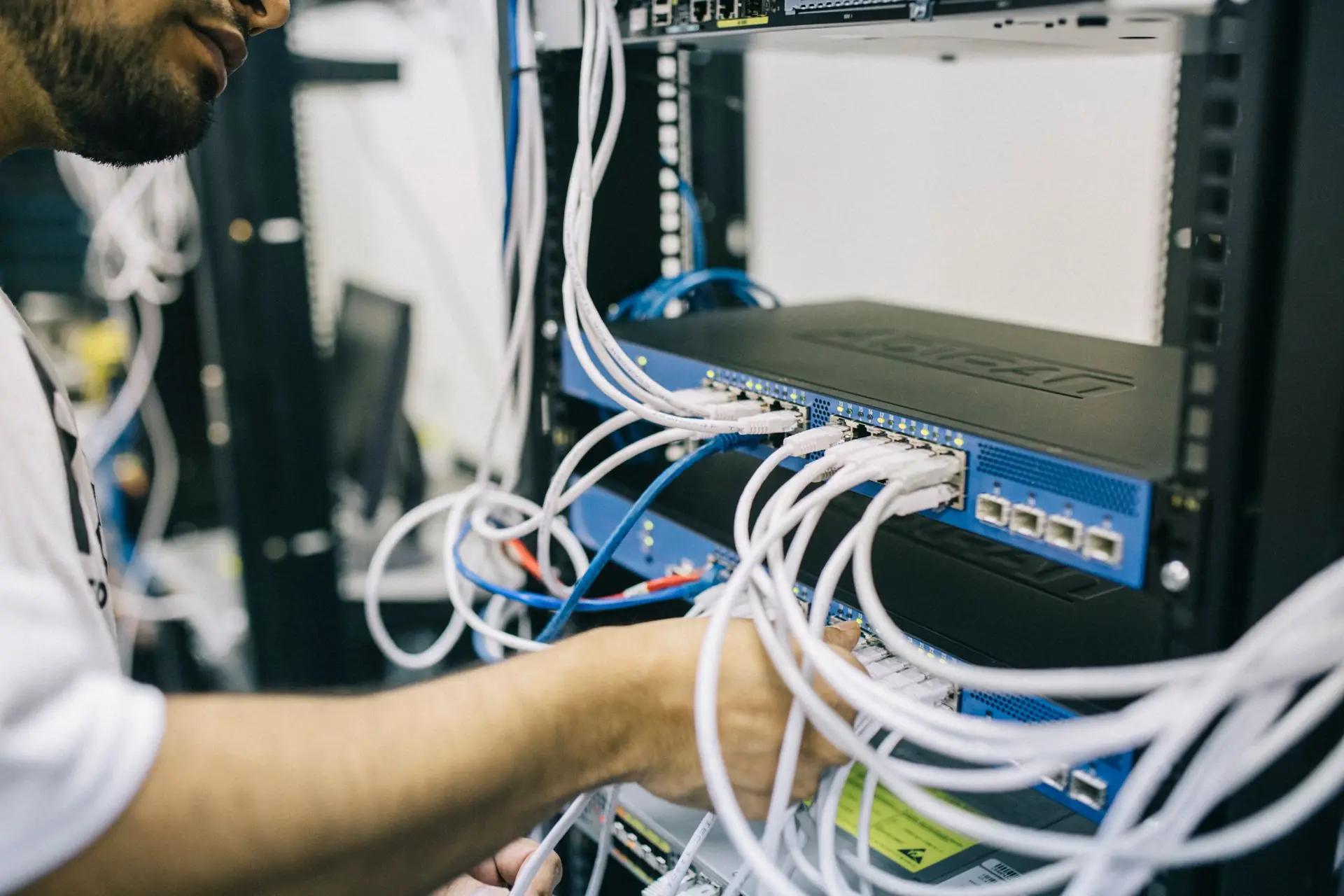
A ticket lands: "My computer has no network. It was fine yesterday." Somebody in accounts cannot get any work done, and the clock is running. Down the hall, a switch with dozens of other people on it is working fine.
That is the network technician's job in one paragraph. The fix is often one command. The hard part is finding which command, without breaking anyone else.
Fix it on a guess
- Restart the switch, and every desk on it drops
- Swap the cable, and the real fault is still there
- Close the ticket, and it comes back tomorrow
Fix it from evidence
- Look at both ends before touching anything
- Change the one thing the evidence points at
- Prove it from the computer that reported it
Why this work matters
Every office, clinic, school and warehouse runs on a network someone has to keep working, and the people who keep it working move on, get promoted and retire.
Most of them started on tickets like this one.
Step 1: look at both ends before you change anything
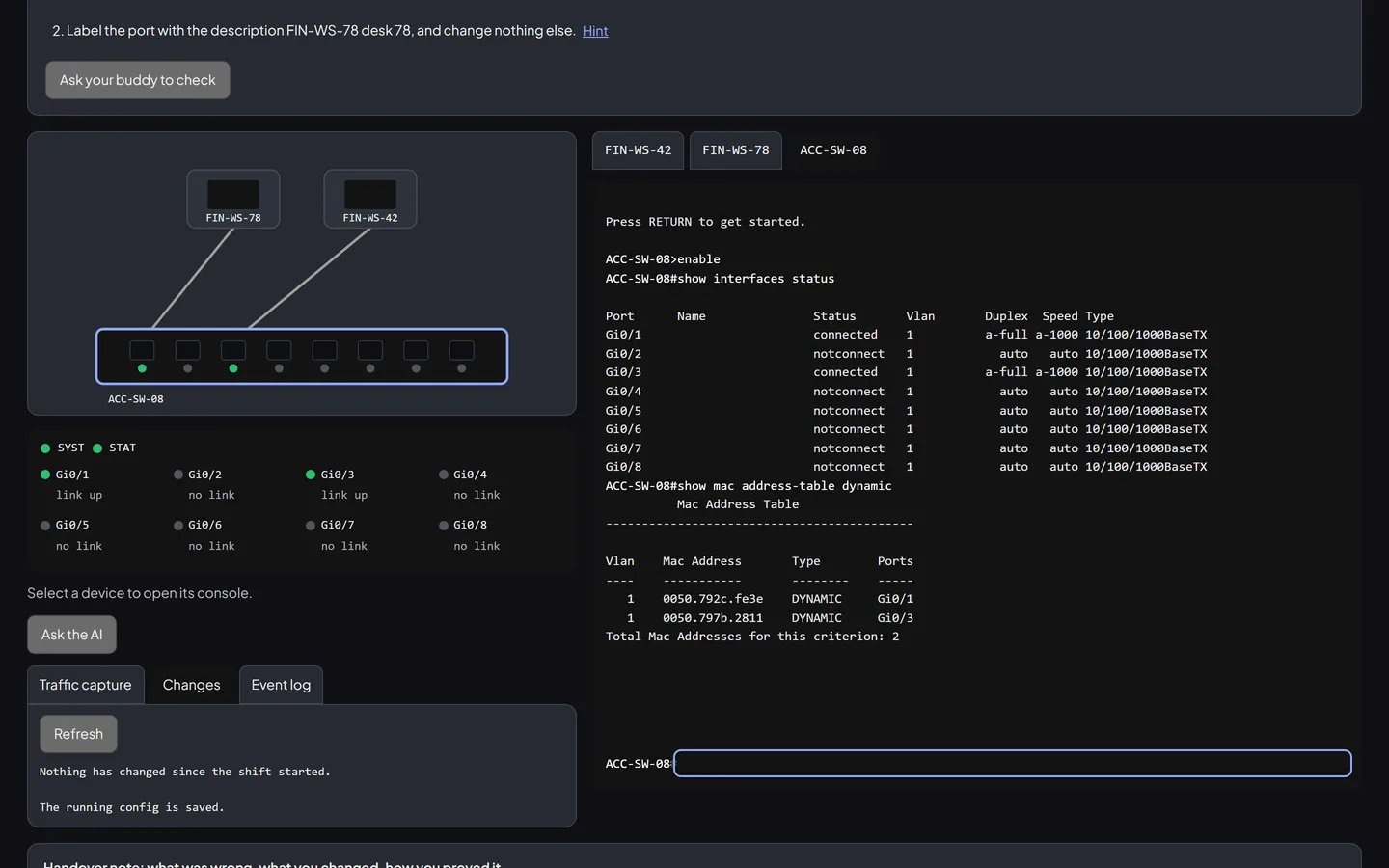
A dead workstation has two sides: the computer and the switch port it plugs into. Each can tell you something the other cannot.
- The computer's own view. Does its network adapter have a link at all? What address does it hold, and is that the address the plan says it should have?
- The switch's view of the port. Is the port up, down, or turned off on purpose? Has the switch seen the computer's hardware address on that port?
Two looks, a minute's work, and you usually know which side the fault is on.
Step 2: change only what the evidence points at
If the port is disabled, open that one port. If the computer holds an address outside its network, set it back to the planned one. Nothing else.
This is the discipline that separates a technician people trust from one they work around. Turning on every port "in case", renaming things, or restarting the whole switch might make the ticket go away, and it might also take down the person who was working fine.
Step 3: prove it from the computer that reported it
A port that shows "up" is not proof. The proof is the computer that had no network reaching something on the network: a ping to the machine at the next desk that answers. Test from the reporting computer, and test the other direction too.
If an AI tool suggested a fix along the way, this is where you find out whether it was right. "The cable is faulty" sounds confident. The port list may say otherwise.
Step 4: write the handover so the next person can follow it
The next person to touch this network might be you, in three months, at 2 a.m. A good handover note answers three questions:
- What was wrong, or what state you found the network in
- What you changed, or that nothing needed changing
- How you proved it works: the test, and what it showed
"Fixed it" is not a handover note. "Port 5 was disabled on the switch. I turned it back on and changed nothing else. A ping from the PC to its neighbour on port 4 answered" is.
Getting into network engineering
Network teams hire from help desks, IT support and field technician roles. Entry-level postings often ask for switching basics and hands-on experience. What they want to see is that you look before you change, change only what you must, and can prove the result. You can build that:
- Read how the work is judged in our Network engineering guide.
- Work realistic tickets on a simulated switch on the Network engineering desk, where every shift is graded and saved to your Shift Record.
- Read what the job involves, and where it leads, in the Bureau of Labor Statistics' Occupational Outlook Handbook.
The best network technicians are not the ones who know the most commands. They are the ones whose changes nobody else notices, because nothing else broke.
Sources and further reading
- U.S. Bureau of Labor Statistics, Network and Computer Systems Administrators, Occupational Outlook Handbook, read November 4, 2026.
- Zeloric, Network engineering guide and Network engineering desk.
#network engineering #careers #troubleshooting
Reading about the work is one thing. Doing it is how you show it. Your first ticket is free, with no account needed.
Try a realistic ticket free